
Managing warranty cases with Wix Aria
Warranty & Repair works with Wix Aria - the AI assistant built into Wix. Instead of clicking through the dashboard, you ask Aria to find cases, look up coverage, or add notes, and it uses the app's tools to do it.
What Aria can do with your cases
The app exposes its operations as Aria tools (49 of them), so the assistant can read and act on real data:
- Find cases - "show me open claims" or "find the case for order 1042" returns the actual case card, not a guess.
- Look up warranty status - "is this product still covered" against your warranty rules and registry.
- Add notes and updates - internal notes on a case without opening it in the dashboard.
- Work with the customer portal - answers your clients see stay consistent with what your team sees.
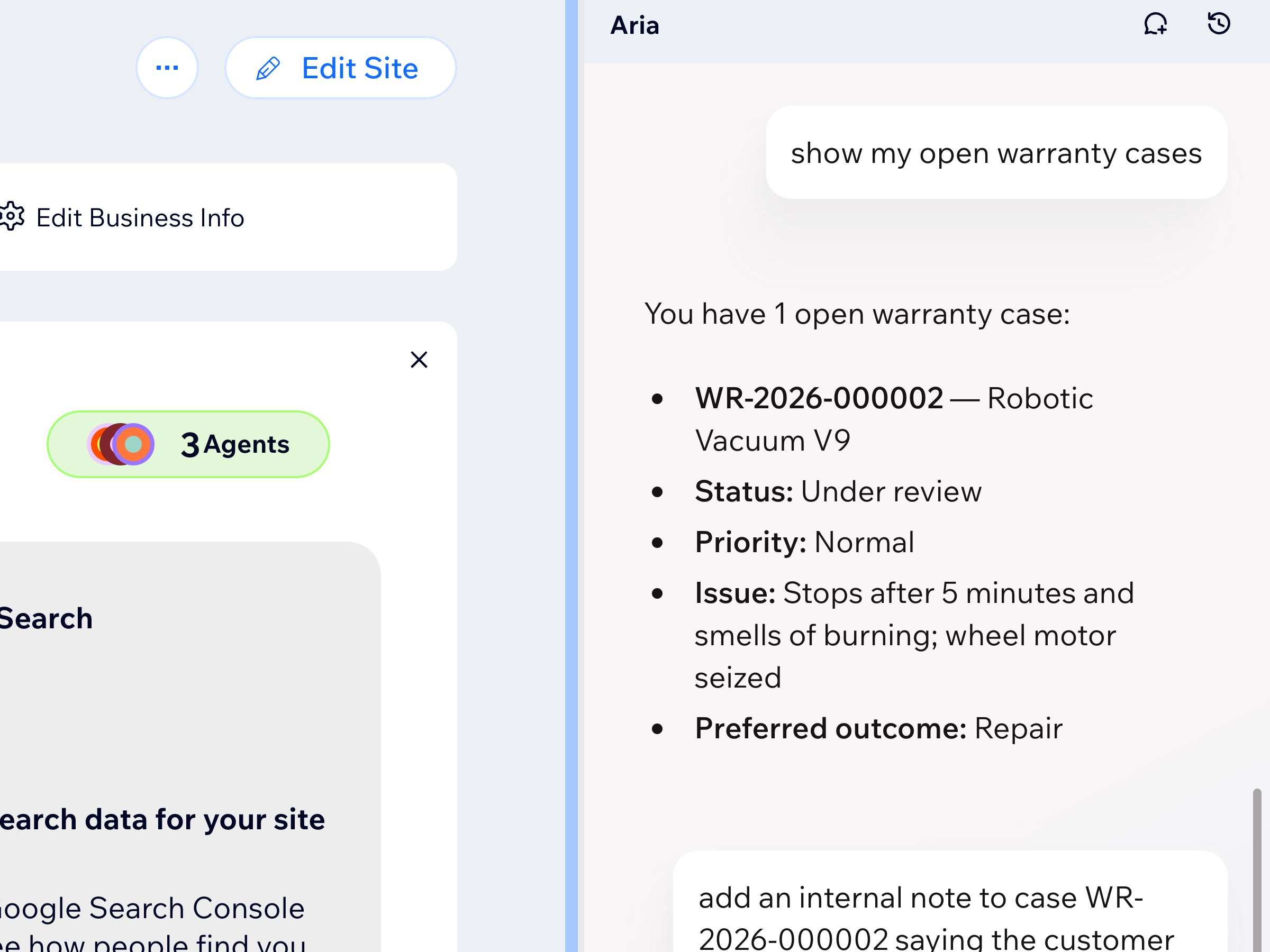
Write actions: what to expect
Read actions (find, list, look up) are safe to use freely. Write actions - like adding a case note - actually change the case. Aria performs them on the same backend calls the dashboard uses, so anything it writes is real and visible to your team.
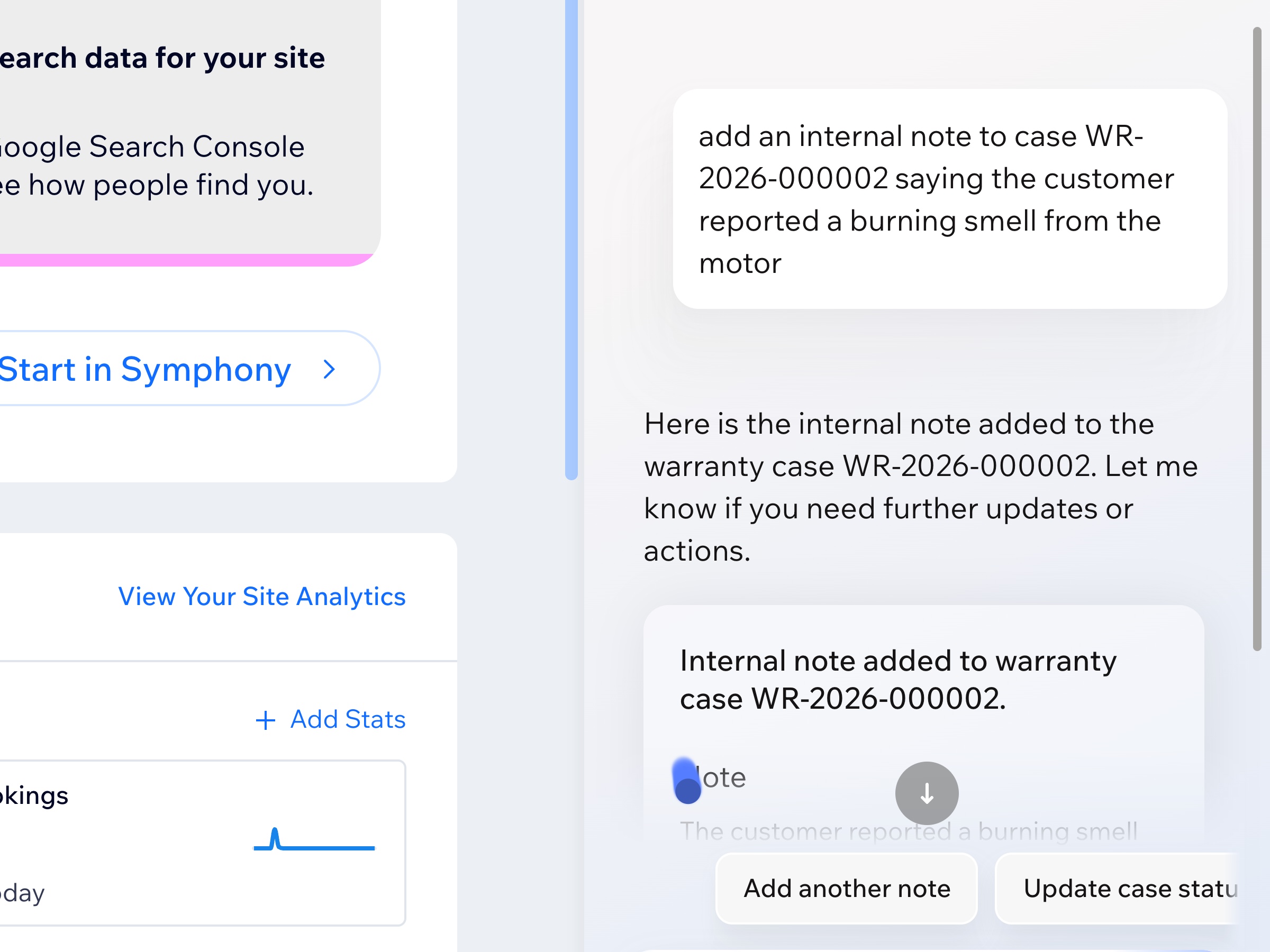
Test cases: practice without touching real data
New Case has a Test case toggle. A test case:
- Does not count against your plan's case quota
- Sends no emails to the customer
- Is marked TEST and hidden from the customer portal and reports
- Can be deleted from the case list when you are done
Use test cases when exploring features or training staff - including trying Aria commands - without creating noise in real data.
When to use Aria vs the dashboard
- Aria - quick lookups ("which cases are waiting on the supplier?"), single updates, anything where describing beats clicking.
- Dashboard - bulk work, configuration, anything where you want the full list view and filters.
Both read and write the same cases - use whichever is faster for the task.