

Condition Manager
for WooCommerce
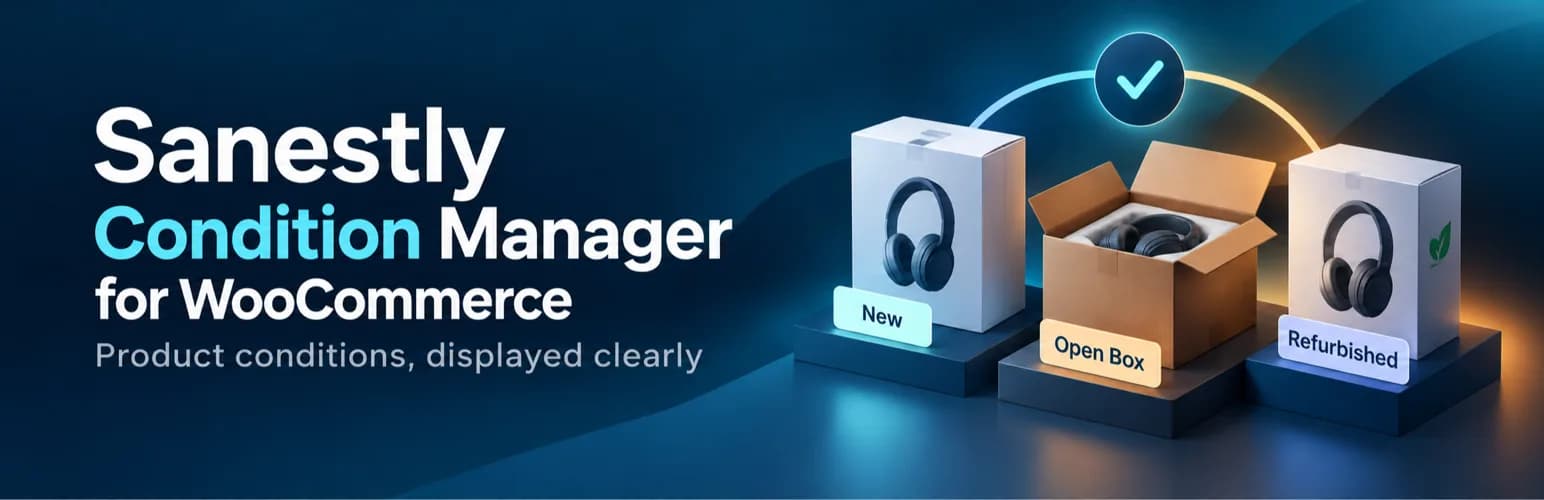
New, used, refurbished: stated clearly, structured for search.


What it does
Selling anything that is not factory-new means answering the same question over and over. Condition Manager puts the answer on the product page once, at the level you choose: store-wide default, per product, or per variation.
It also writes the matching Schema.org itemCondition into your Offer structured data, so marketplaces and search engines read the same truth your customers see.
What is inside
- Five built-in conditions: New, Used, Refurbished, Open box, Damaged
- Store default with per-product and per-variation overrides
- Real distinction between inheriting and an explicit No condition
- Storefront display with configurable position and label
- Additive Offer structured data; it never replaces existing schema
- Quick Edit and Bulk Edit support for parent products
- WPML and Polylang copy condition keys across translations
04From the product, not a mockup
What it looks like inside
Real screens from the live plugin. Click any of them to expand.
More for WordPress & WooCommerce


More for Wix
 Client Knowledge PortalA private client portal that answers from your documents.
 Delivery OpsYour own drivers, dispatched like a fleet.
 Warranty & RepairWarranty claims without the inbox chaos.
 Staff Commission & PayrollCommissions from every booking, not a month-end spreadsheet.
 Supplier Invoice & RestockSupplier invoices become stock and cost updates.
 Manufacturing & BOM LiteRecipes and materials for makers who sell on Wix.
More for Open Source
Have a workflow that deserves a tool?
Tell us what eats your week. If it is a real problem, we probably think about it already.