WooCommerce emails to multiple recipients: your options compared
WooCommerce sends order emails to two places: the customer and the admin. Getting them to the kitchen, warehouse, or supplier means choosing an approach - BCC plugins, recipient plugins, or a dedicated alert system. They are not interchangeable.
The three approaches
| Approach | What it does | Limit |
|---|---|---|
| BCC / extra-recipient plugin | Adds more email addresses to existing Woo emails | Everyone gets the full customer email - other vendors' lines, prices, your branding |
| Per-customer recipients | Stores extra addresses on the customer account | Routes by customer, not by what was ordered - useless for "kitchen gets food orders" |
| Alert rules (this approach) | Sends purpose-built notifications on status changes filtered by product/category | Requires a dedicated plugin; not an add-on to the standard emails |
What to evaluate before choosing
- Filtered content - can the recipient see only THEIR order lines? For suppliers and dropshippers this is the privacy line that matters.
- Trigger precision - does it fire on status transition (order becomes Processing = paid) or on order creation (includes failed checkouts)?
- Recipient types - WP users only, or plain email addresses? Suppliers are rarely WordPress users.
- Duplicate protection - status hooks fire repeatedly in normal operation; the order must be claimed before sending or suppliers get the picking list twice.
- Delivery journal - can you prove the notification was accepted by the mail server when someone claims "I never got it"?
Where Barn2 and the free plugins land
Barn2's Multiple Email Recipients and the free WC Multiple Email Recipients plugin solve the "more inboxes" version well - they add addresses to existing Woo emails. If your need is literally "the order email should also go to X", that works.
The limitation is structural: they send the full customer-facing email. When the requirement is "the supplier sees only their products, at the moment the order is paid, with a record it was sent" - that is a different tool.
The alert-rules model
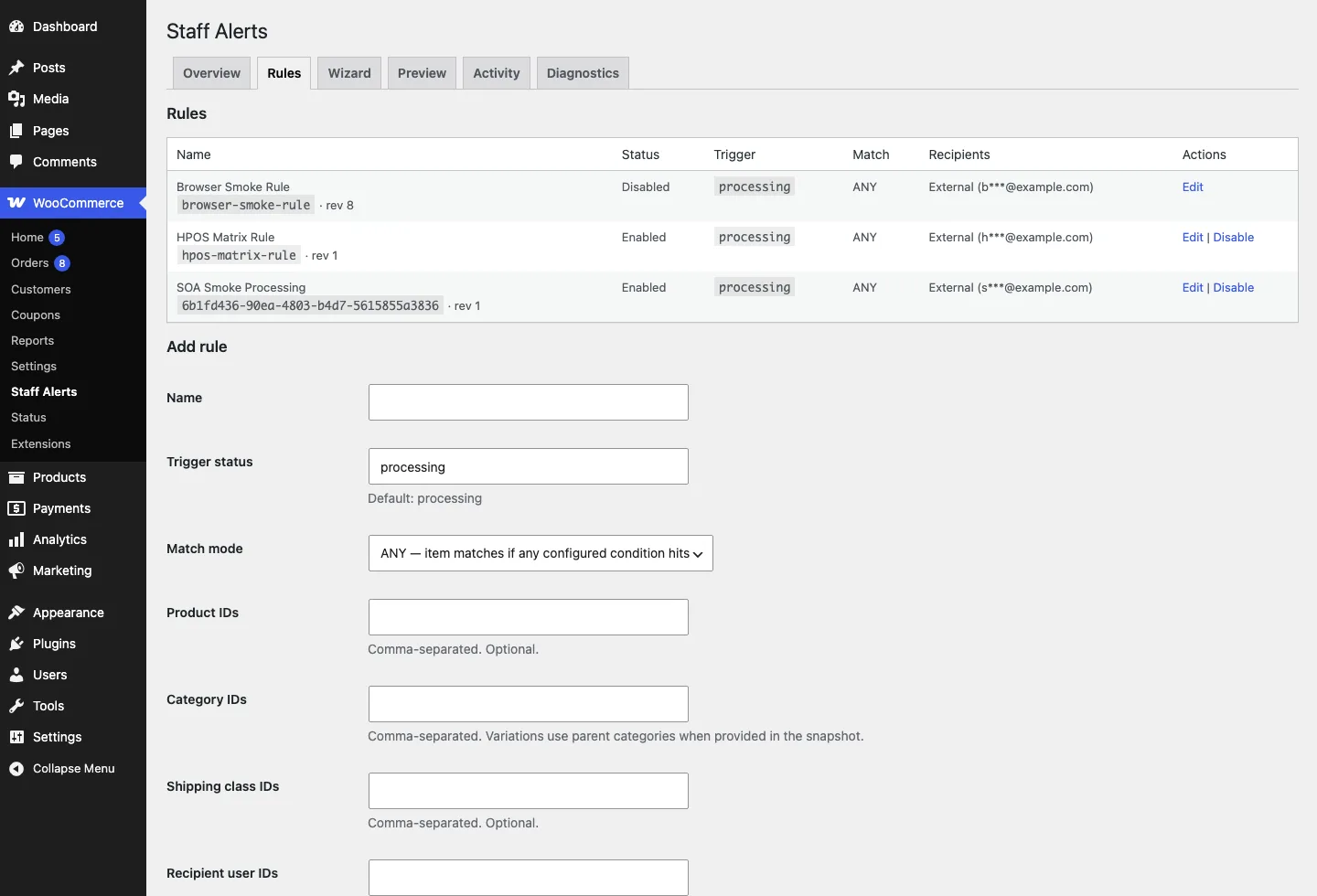
Staff Order Alerts implements the rule model: trigger on a status transition, filter by product/category/shipping class, send to WP users or any email. Partial orders get only their lines, orders are claimed before sending (no duplicates), and every send lands in an activity journal that honestly distinguishes "accepted by mail server" from "delivered".