
Wholesale minimum orders in WooCommerce: rules for B2B buyers
Wholesale ordering breaks the default WooCommerce assumption that every customer can buy one of anything. A B2B buyer ordering under your minimum costs you money on picking, packing, and shipping - so the rule must be enforced before checkout, not corrected after.
What wholesale minimums look like
- Order-level minimum - "wholesale orders start at €200"
- Product-level minimum - "this SKU sells in packs of 12"
- Category minimum - "at least 5 items from the wholesale line"
- The combination - per-product minimums AND a cart total floor, which is where most solutions fall over.
Who the rule applies to: the role question
A wholesale minimum that applies to everyone is broken - retail customers should not be forced to buy 12 units. The rule needs a role condition:
- Wholesale/B2B role gets minimums and maximums.
- Retail customers get the normal catalog (or their own rules).
- Guests see either nothing or the retail rules.
This is why "a code snippet" solutions stop working fast in wholesale - they cannot check current_user roles cleanly across guest/registered/role states.
How the enforcement should behave
- Product page - quantity stepper starts at the minimum (if you sell by 12, the "1" option is a bug invitation).
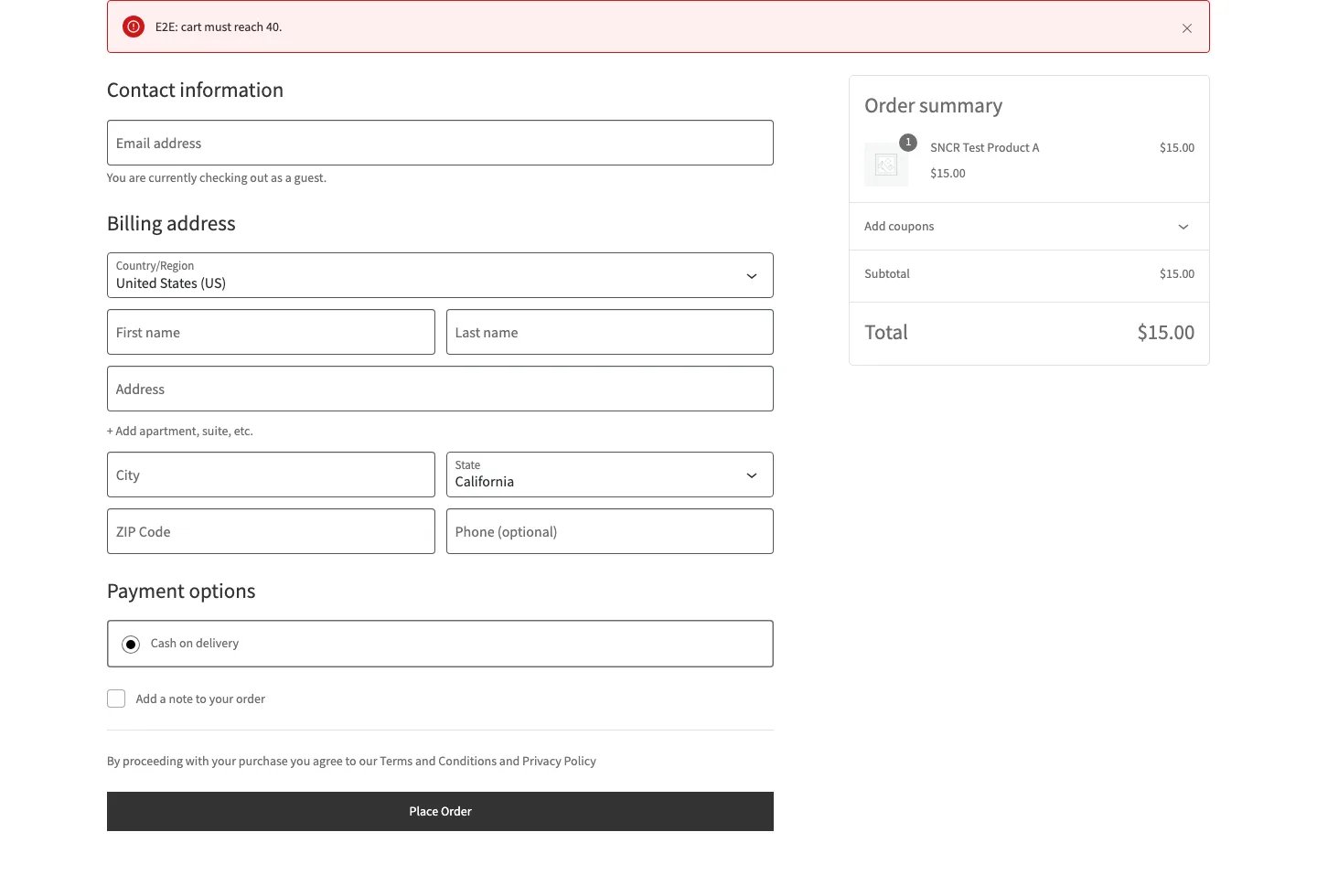
- Cart page - a notice explains the unmet rule BEFORE checkout, not after a declined order.
- Checkout - the hard stop; everything before it is UX, this is the actual enforcement.
- Per-role scope - the same cart passes for retail, fails for wholesale, or vice versa.
Practical setup
- Decide whether minimums are per product, per category, or cart-wide - write the rule down in business language first.
- Map it to roles: which rule for wholesale, which for retail, which for guests.
- Enforce at cart + checkout, show the notice early.
- Edge cases to test: mixed carts (wholesale + retail items), after-discount totals, a customer with two roles.
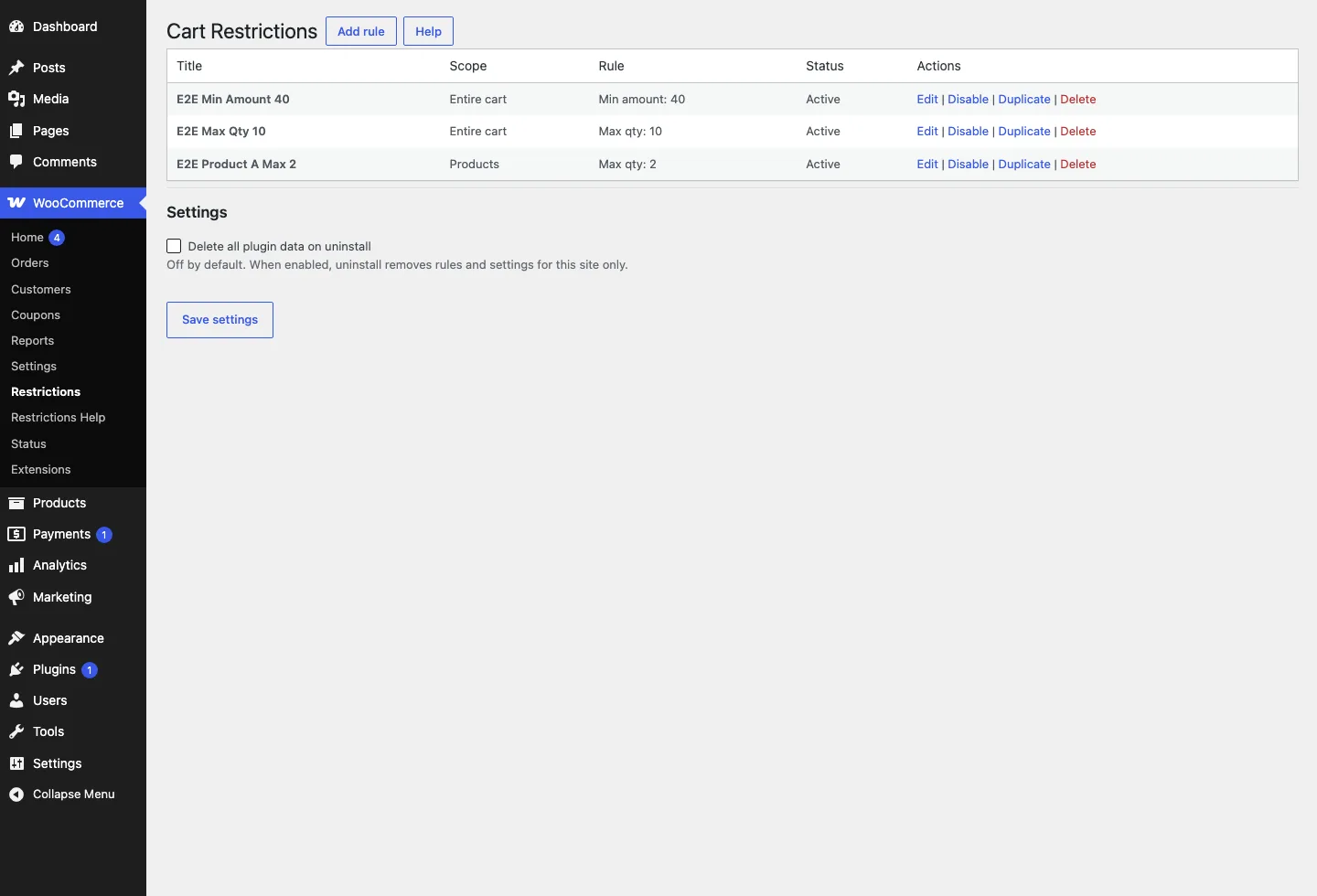
Cart Restrictions supports cart-wide and per-product/category rules that checkout actually enforces - the building blocks for wholesale minimums without custom code.