Commission and payroll for a small team on Wix
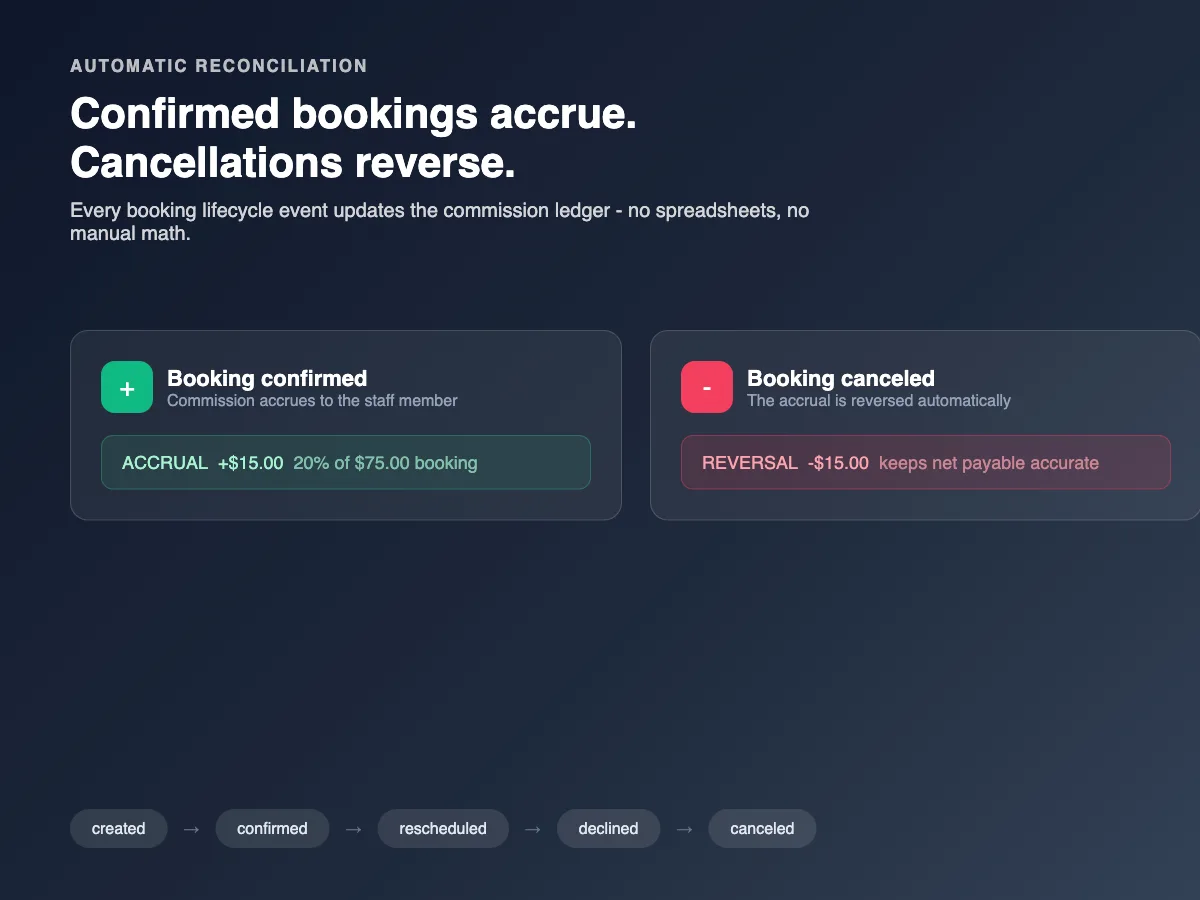
Once a Wix business has staff who earn commission - salespeople, stylists, delivery drivers, agents - the spreadsheet approach breaks quietly: rules live in someone's head, monthly totals get re-counted by hand, and nobody can answer "why did I get this amount" without an archaeology dig.
The pieces of a commission system
- Rules - who earns what: percentage of sale, flat fee per item, per service, tiered by volume. Rules should be written down once and applied automatically.
- Attribution - which order or sale belongs to which person. Without this, commission is negotiation, not math.
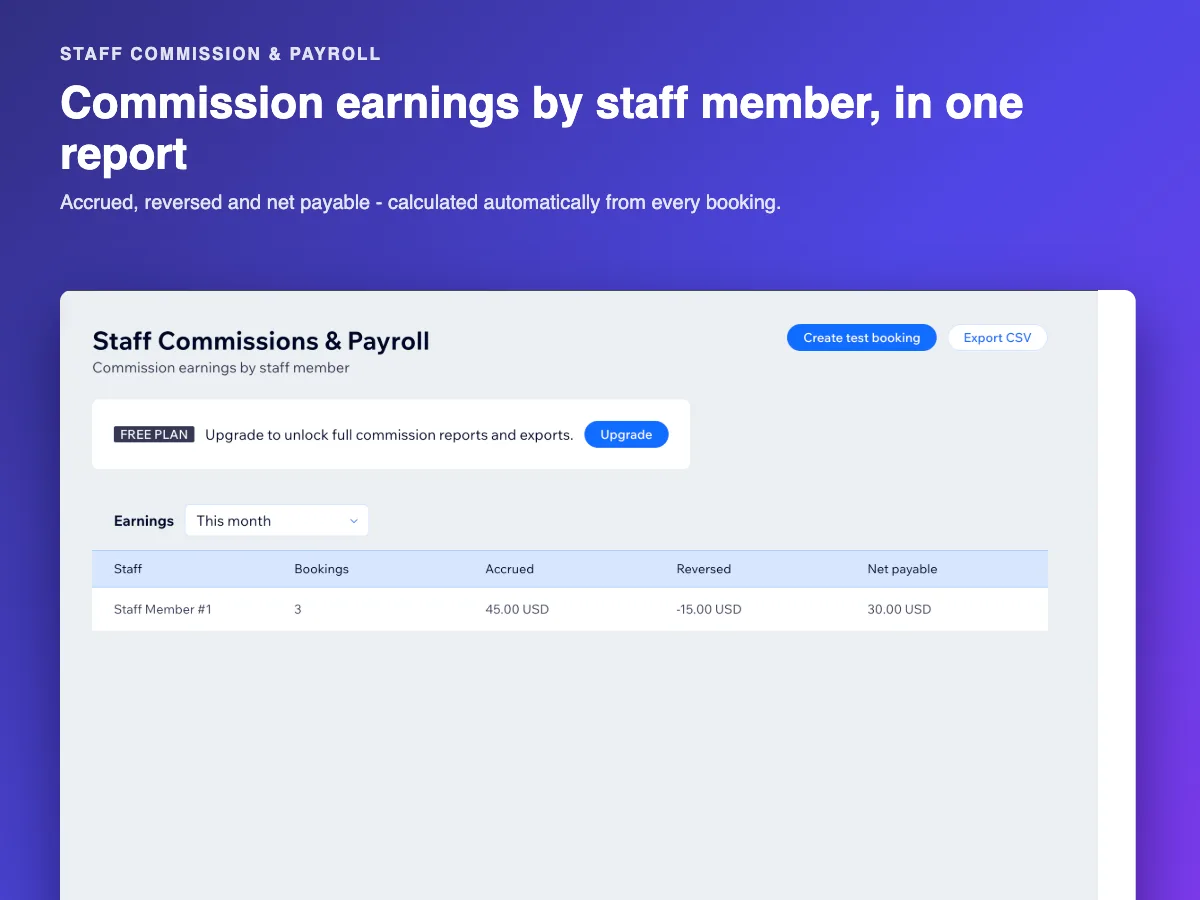
- Runs - a payroll or commission run for a period: the system totals everything owed per person, you review, you pay.
- A record people can check - staff should see how their number was computed, not just the total.
Signs you have outgrown the spreadsheet
- A staff member disputes a payout and you cannot reconstruct it quickly.
- Rules changed mid-period and you are not sure which version applied to which sale.
- You spend hours at month-end re-adding the same numbers.
- More than ~3 people on commission.
Setting up rules that survive contact with reality
- Start with the simplest rule that is true today - one percentage per role or per product type. Tiers and exceptions come later.
- Decide attribution first - how a sale maps to a person (who closed it, who delivered it, who owns the client). This is the decision everything else depends on.
- Keep an audit trail - a run should show the sales it included, so "check my number" takes seconds.
Staff Commission & Payroll implements this inside your Wix dashboard: commission rules per staff member, payroll runs for a period, and a record of how each payout was computed.