
Bill of materials for small manufacturers on Wix
If you assemble, bake, print, or kit products on a Wix store, you sell finished goods but stock parts. A bill of materials (BOM) is the recipe that links them: which parts, and how many, go into each finished product.
What a BOM does
- Defines the recipe - product "Gift Box" = 1 box + 2 jars + 1 card + 1 ribbon.
- Tracks what you can build - available builds = min over parts of (stock / quantity needed). The jar that runs out caps your gift boxes even if boxes and ribbons are full.
- Deducts on build - when you assemble a unit, part stock drops and product stock rises.
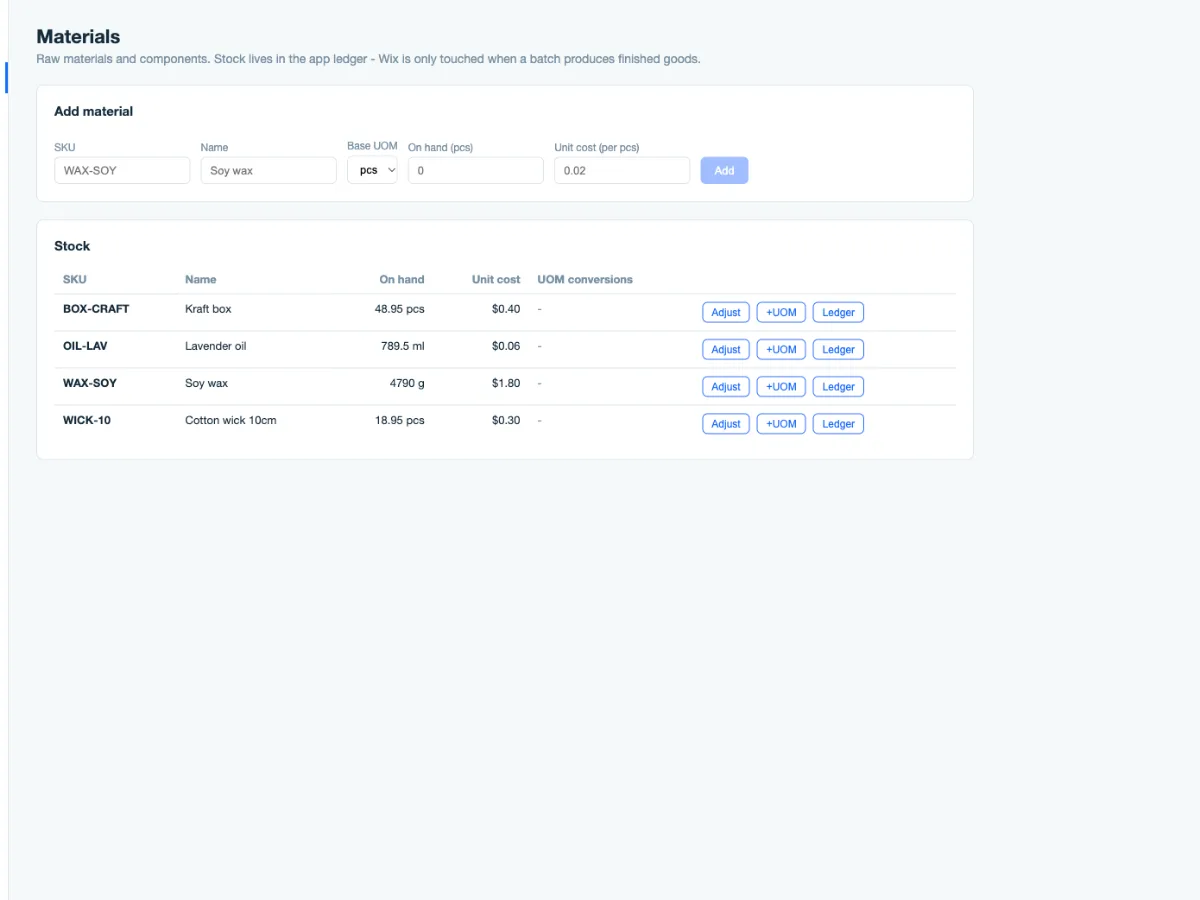
- Prices the build - parts have costs; a BOM tells you what each unit actually costs to make.
Signs you need one
- You discover you are out of a part only when a customer orders the finished product.
- Stock counts never match because parts and products are tracked in one blurred list.
- You cannot say what a finished item costs you - only what you sell it for.
Keeping it lite
Small manufacturers do not need an ERP. A workable setup:
- List your parts once, with stock and unit cost.
- Define one BOM per finished product - parts and quantities, nothing more.
- On each build or sale, deduct parts and credit the product.
- Review "buildable now" weekly; reorder the limiting part first.
The mistakes to avoid: BOMs with 40 lines (group sub-assemblies), zero-cost parts (then COGS is wrong), and parts that are also sold directly without a rule for which stock serves which purpose.
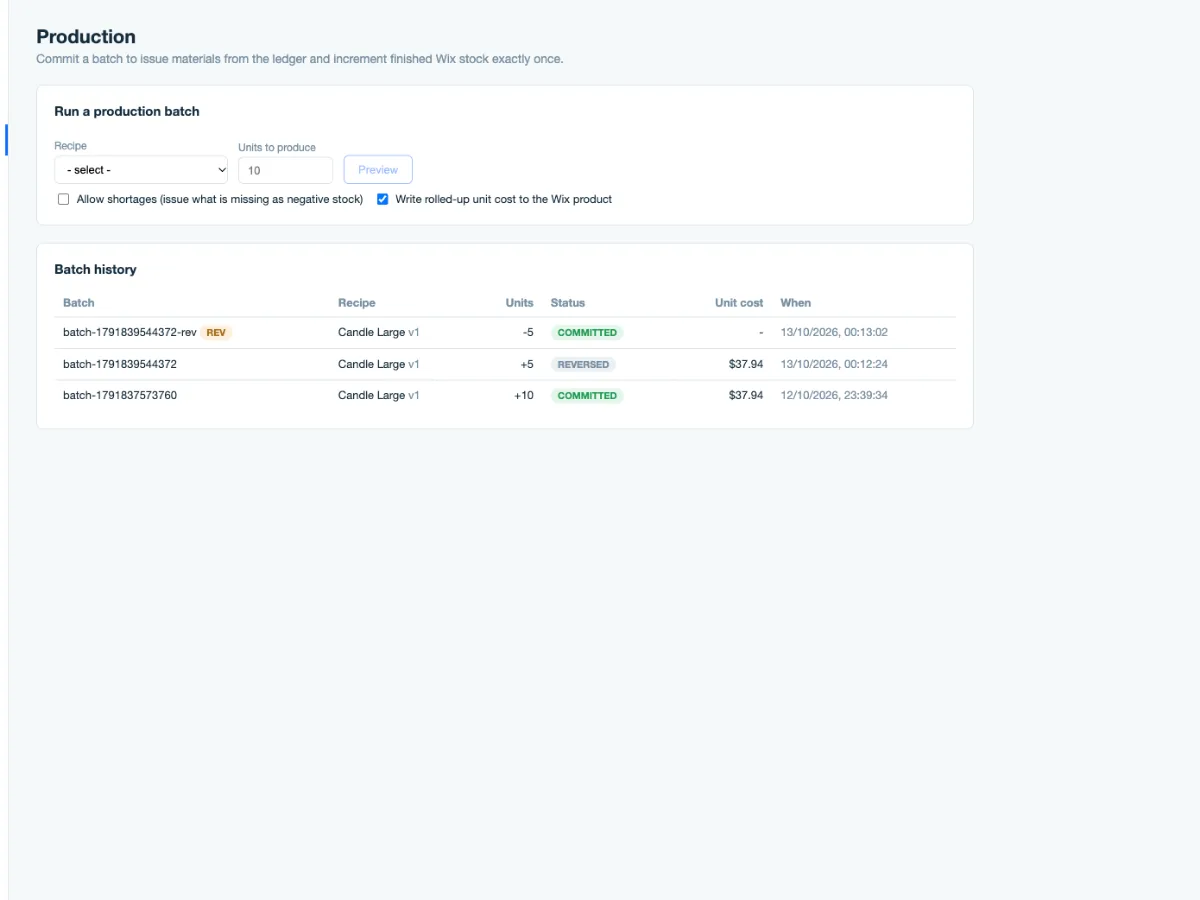
Manufacturing & BOM Lite implements this inside Wix: parts inventory, a bill of materials per product, build/deduct tracking - sized for small operations, not an ERP.