
How to show product condition in WooCommerce (new, used, refurbished)
WooCommerce has no field for product condition. If you sell anything that is not factory-new - used gear, refurbished stock, B-grade items - the condition lives in the title or description where search engines cannot reliably read it.
This guide covers why condition matters, where it should appear, and how to get it into structured data.
Why condition deserves a real field
- Shoppers filter on it. "Used" or "refurbished" in the first line of the page sets the right expectation before they read further - and cuts returns from people who missed it in a paragraph.
- Marketplaces require it. Google Shopping and most marketplaces have an explicit condition attribute; a product without one gets disapproved or shown less.
- Search understands it. Product structured data can carry condition, which affects how listings render and how they qualify for rich results.
Where condition should appear
Three places, kept consistent:
- Near the price / add to cart - the moment of the buying decision. A small label or badge, not buried text.
- In structured data -
itemConditionin Product schema, or theg:conditionattribute in a merchant feed. - In your own filtering - condition as an attribute lets buyers filter "refurbished" the same way they filter size or color.
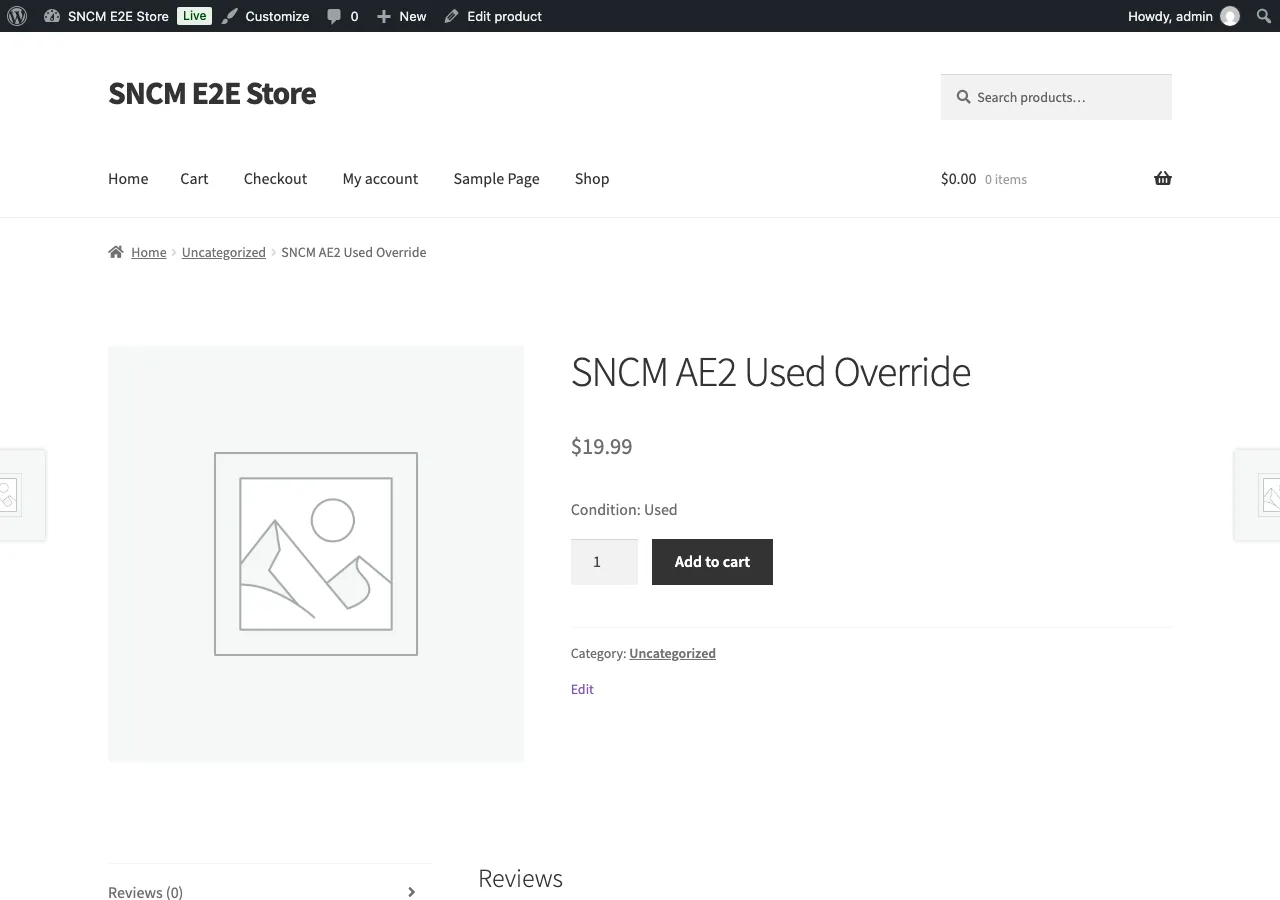
Options for setting it
- Per store - a default "everything here is used" for dedicated second-hand shops.
- Per product - the common case: most items new, some open-box or refurbished.
- Per variation - needed when the same SKU sells new and B-stock at different prices.
A product attribute in WooCommerce technically works (create an "Condition" attribute), but it is just text - it does not feed structured data, marketplace feeds, or a consistent badge. A dedicated field like Condition Manager keeps the value in one place and outputs it where shoppers, search engines, and feeds each expect it.
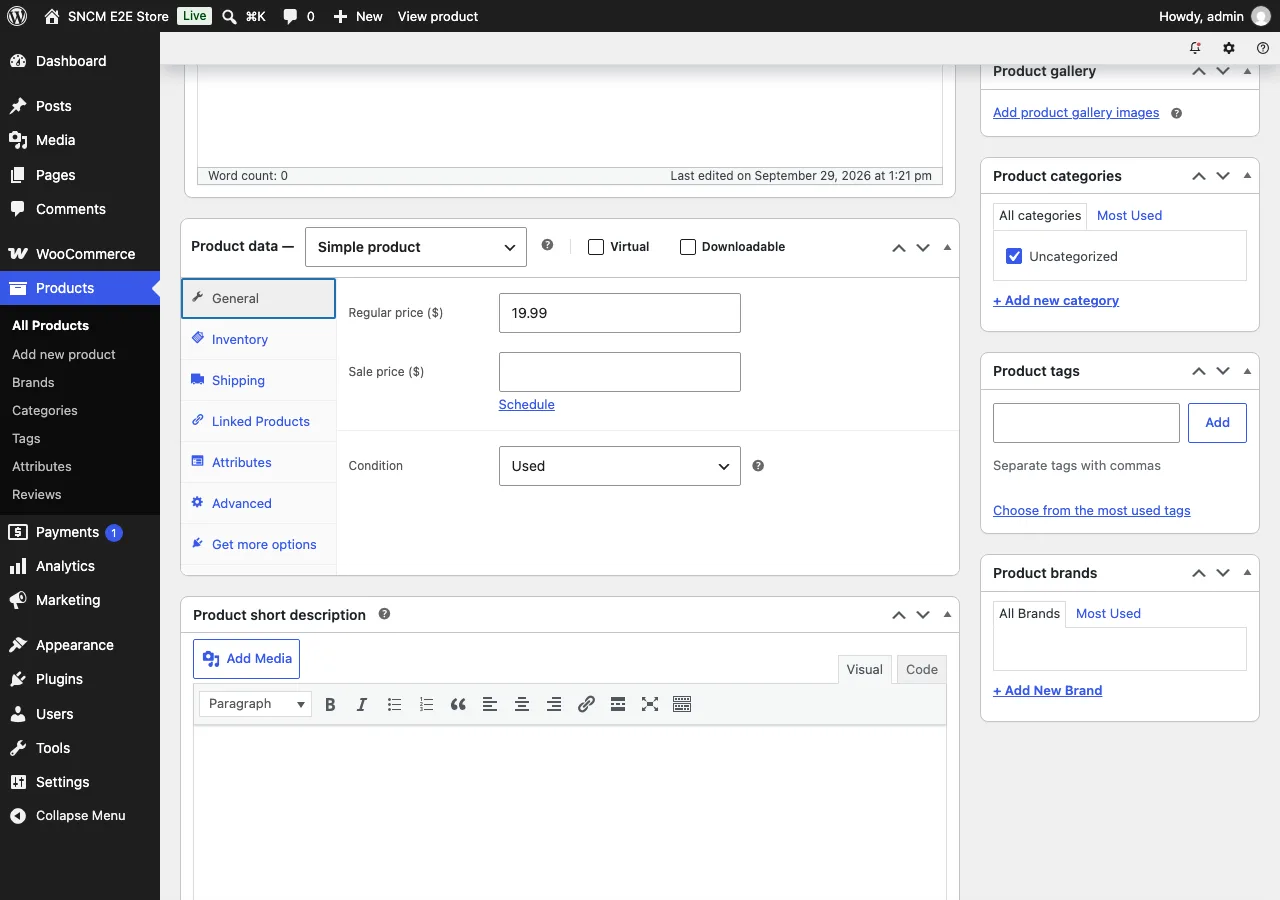
Common mistakes
- Condition only in the title or description - invisible to structured data and feeds.
- "Used" as a category - categories organize your catalog, they do not mark condition; Google will not treat the category name as a condition signal.
- Inconsistent wording - "pre-owned" on the page, "used" in the feed, "like new" in the title. Pick the canonical value (new / refurbished / used) and use it everywhere.